
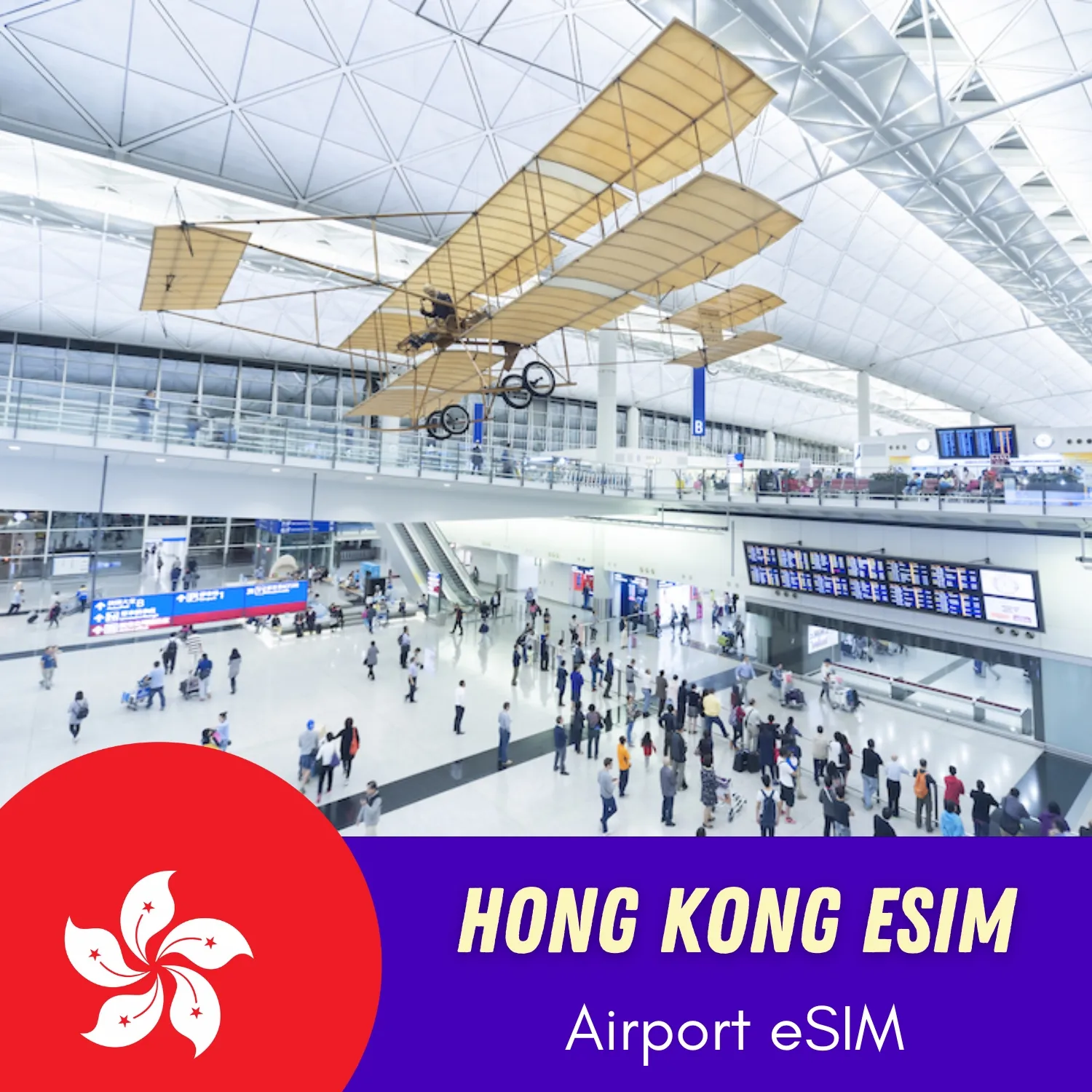

Plan type: Data only
Coverage areas: Hong Kong
Supported network: China Telecom HK/HKT
Important note: This eSIM plan DO NOT allow access to TikTok, or Chat GPT.
Local phone number: No
Hotspot/Tethering: Yes
Installation: Scan the QR code or import confirmation code manually to set up the data plan
Activation policy: The plan will be activated when the eSIM is connected with the local network (meaning the first location signal is success)
15 days to activate: Please activate your data plan before expiry date. Once it expires, Cancellation, Refund or Changes are not allowed
Identity verification: Not required
Max Internet speed: Expected to have 4G/5G speed. Speed caps will be 128kbps after data usage exceeds max data limitation
Delivery: Instantly to your email within 5-10 minutes after payment
Strengths of eSIM
Receive eSIM information by e-mail
As soon as your order is placed, you will receive Hong Kong eSIM details via email.
A QR code
User’s Guide
Notes:
- You should install eSIM before departure to stay connected right after landing.
- If having trouble during installation, DON’T DELETE the eSIM and contact us right away.
How to use Hong Kong eSIM
Let customers talk about us
The most daring travelers have already tried esimhongkong.net. Will you?
Airport Hong Kong eSIM
| 5 star | 60% | |
| 4 star | 40% | |
| 3 star | 0% | |
| 2 star | 0% | |
| 1 star | 0% |
Frequently asked questions
If you still have questions about this service? We are here to help
It is not necessary to show your passport when buying eSIMs at esimhongkong.net.
Your data plan will start as soon as you install it on your phone. It is recommended for you to scan and activate your eSIM right before your departure date so you will be connected after landing.
When you install your eSIM, the number of the days will start to count down. If you are not in the country that the eSIM covers, you cannot access the data and will not lose any data in the plan.
For your travels, we recommend using an eSIM in Hong Kong for tourists if your device supports them.
Install the eSIM with a QR code sent to your email. In the mobile settings, select it as the default mobile data medium, turn on the data roaming and mobile data (cellular data). Then, your virtual sim will work. Contact us if you need more information.
Yes, the Hong Kong eSIM will allow you to share your mobile data with other devices.
Hong Kong eSIM will give you amount of data at Max speed based on your plan options. After that, the speed capacity will be throttled to 128kbps – 384kbps, you can still browse the web with light use.
Currently, there is no data top-up option. We will announce soon after top-up features done.
After you place your order, we will send an email with your eSIM information, including QR code, confirmation code and activation guide within a few minutes. Just scan the QR code and follow the user guide.
Our Hong Kong eSIMs are one-time-use eSIMs. After being activated, it will be ready for you to use until the expired date or the day when data runs out. If you remove eSIM from your phone, you will not be able to use it once again.
The QR code can be scanned once which means that if you remove the eSIM from your phone, you cannot install it again. And eSIM can only be installed on one device.

I could receive work emails right after my flight touched down. Fast speeds and smooth activation. Highly recommended for busy professionals.
The online purchase was simple. Once I arrived at the airport, I just followed the instructions to install the eSIM. Worked flawlessly.
No more fumbling with SIM trays or exchanging currencies for a local SIM. Landed, scanned, and surfed. This is how travel should be!
The activation page timed out once, but after refreshing, it worked. Overall, still easier than buying a physical SIM.
The lines for local SIM cards were huge, but I walked past them because I was already connected. Best decision ever!